
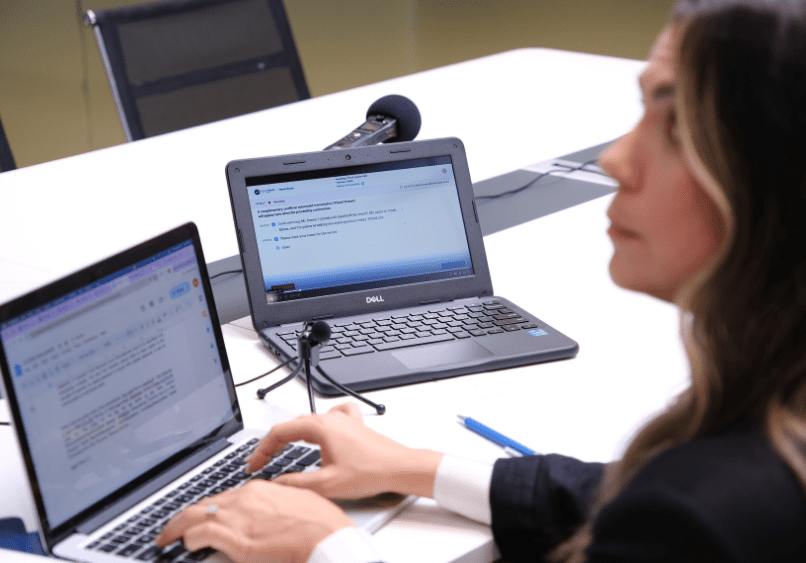
For a court reporter, keeping your computer bug-free and in good health is almost as important as keeping your body healthy, so here are some things you can do to keep your computer in tip-top shape. Perform regular software updates and run antivirus scans to protect against malware. Additionally, understanding how to manage files efficiently can streamline your workflow, especially when preparing for tasks like streaming video deposition explained. By implementing these practices, you can ensure your technology supports your reporting needs effectively. In addition to these technical measures, it’s essential to establish secure remote work practices for employees, enabling collaboration without compromising sensitive information. Utilizing encrypted communication tools and secure networks can further bolster data protection. By prioritizing both technology maintenance and robust security protocols, you can enhance productivity and safeguard your work.
- Perform regular backups of your files, keeping a full and complete set of everything in the Cloud.
- Download reliable anti-malware/anti-spyware programs consistent with your operating system.
- Perform regular anti-virus/anti-spyware scans.
- Keep your security patches/updates current.
- Never click on anything your gut tells you doesn’t feel right.
- Never open an e-mail from a sender you don’t recognize.
- Never download an e-mail attachment for which you don’t know the content or purpose.
- Virus scan all executable files before running them (.BAT, .EXE , .PIF , .COM and .VBS).
- Never install any cute mouse cursor programs.
- Avoid free screensavers, wallpapers, images and music files.
- Do not click on pop-up alerts.
- Use a safe web browser.
- Keep your browser’s security up-to-date.
- Secure your browser by elevating the security level from “low” to “medium” or “high.”
- Limit pop-up windows and cookies.
- Never send personal information over the web in any manner, including via text message.
- Never fill in fields in a site that isn’t encrypted and secure.
- Change your passwords often.
In summary, if it doesn’t feel right, sound right, or look right, it probably isn’t right, so avoid it like the plague. And if you think your computer has been hit with a virus, worm, or Trojan, the U.S. Computer Readiness Team’s site may be helpful in returning your system to full and complete health.